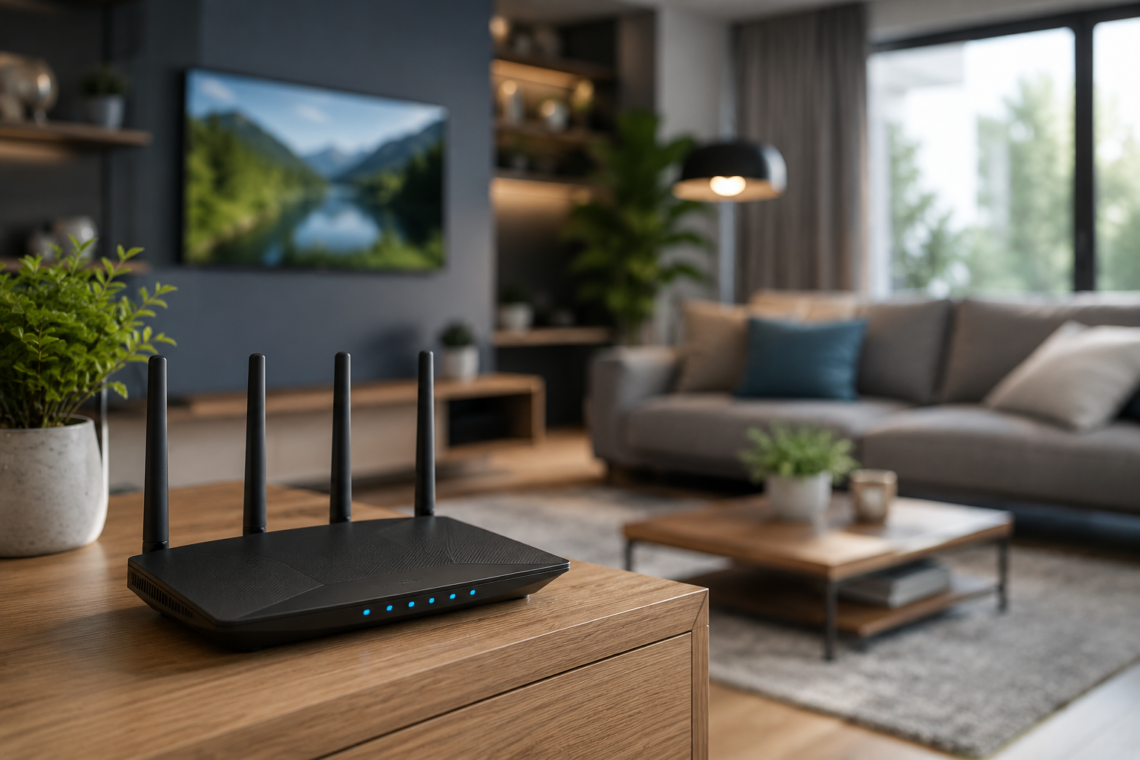
Why Is My Wi-Fi So Slow? The Best Router Placement Tips for Faster Internet
Few things are more frustrating than sitting down to stream a movie, join a video call, or browse the internet only to discover that your connection is painfully slow. Pages take forever to load, videos constantly buffer, and online meetings freeze at the worst possible moment.
If you’ve recently searched why is my Wi-Fi so slow, how to improve Wi-Fi signal, or where should you place your Wi-Fi router, you’re certainly not alone. Slow internet is one of the most common technology problems homeowners face today.
Many people immediately assume their internet provider is to blame. While internet service can sometimes be the issue, the real problem is often much closer to home. In fact, poor router placement, signal interference, outdated equipment, and simple household obstacles are frequently responsible for slow Wi-Fi connection, weak Wi-Fi signal, and frustrating home internet problems.
The good news is that many of these issues can be fixed without spending money on new equipment. Understanding why your Wi-Fi is slow and learning the best place to put a Wi-Fi router can dramatically improve internet performance throughout your home.

The Most Common Reasons Your Wi-Fi Is Slow
When homeowners experience slow internet at home, they often assume the problem is a lack of internet speed from their provider. While this occasionally happens, it’s rarely the only explanation.
Wi-Fi signals are constantly competing with physical obstacles and electronic interference. Walls, furniture, appliances, neighboring networks, and even mirrors can weaken wireless signals before they reach your devices.
This is why you may notice that your internet works perfectly in one room but becomes frustratingly slow in another. Many people searching why is my Wi-Fi slow in one room are actually dealing with signal distribution problems rather than internet speed limitations.
The age of your equipment also matters. Older routers often struggle to support modern households filled with smartphones, smart TVs, laptops, tablets, gaming consoles, security cameras, and other connected devices. The more devices competing for bandwidth, the harder your router must work to maintain strong performance.
Even something as simple as placing your router in the wrong location can create significant Wi-Fi signal problems throughout your home.
Why Router Placement Matters More Than You Think
One of the biggest mistakes homeowners make is hiding the router.
Because routers aren’t particularly attractive, many people place them behind furniture, inside cabinets, or in distant corners of the house. Unfortunately, this is often one of the main reasons for weak Wi-Fi signal and slow internet speed.
A Wi-Fi router broadcasts radio signals in all directions. When the device is hidden behind walls, furniture, or electronic equipment, those signals become weaker before they reach your devices.
Imagine placing a lamp inside a closet and expecting the entire room to be brightly illuminated. The light would struggle to escape. Wi-Fi signals behave in a similar way.
Many homeowners are surprised to discover that simply moving their router can dramatically improve internet performance without changing their internet plan or purchasing new equipment.
Understanding where should you place your Wi-Fi router is one of the easiest ways to improve coverage throughout the home.
Where Should You Place Your Wi-Fi Router?
The best location for a Wi-Fi router is usually somewhere central within your home.
A centrally located router allows wireless signals to travel more evenly throughout the house. When the router is placed at one extreme end of the property, devices on the opposite side often experience weak connections.
Height also plays an important role. Wi-Fi signals tend to spread outward and slightly downward. Placing your router on a shelf, desk, or elevated surface generally produces better coverage than placing it directly on the floor.
The ideal setup includes:
- A central location
- Elevated placement
- Open space around the router
- Minimal physical obstructions
If you’re constantly searching how to improve Wi-Fi signal at home, router placement should be your first priority.
Many people spend hundreds of dollars on extenders and mesh systems before trying a simple relocation that solves the problem immediately.

The Worst Places to Put a Wi-Fi Router
Just as important as knowing where to place your router is understanding where not to place it.
One of the worst locations is inside a cabinet or entertainment center. While this may look tidy, it traps and weakens wireless signals before they can spread throughout the house.
Kitchens can also create problems. Large appliances such as refrigerators, microwaves, and ovens may interfere with wireless signals. Metal surfaces are particularly effective at blocking Wi-Fi transmission.
Basements often produce poor results as well. Because Wi-Fi signals travel more effectively outward than upward, a router located in a basement may struggle to provide strong coverage to upper floors.
Many homeowners unknowingly place routers near televisions, speakers, gaming consoles, and other electronics that generate interference.
If you’re wondering why does my internet keep slowing down, your router’s location may be contributing to the problem more than you realize.
Why Is My Wi-Fi Slow in One Room?
One of the most searched questions online is why is my Wi-Fi slow in one room.
This problem is usually caused by signal degradation.
Every wall, floor, and obstacle between your router and device weakens the wireless signal. Some materials are especially problematic.
Concrete walls, brick construction, metal framing, large mirrors, and even aquariums can significantly reduce signal strength.
This is why bedrooms located at the far end of the house often experience slower speeds than rooms located near the router.
Many homeowners mistakenly believe they need faster internet service when the actual issue is poor signal distribution.
In these situations, improving router placement often provides better results than upgrading the internet package itself.
How Walls, Floors, and Furniture Affect Wi-Fi
Many people underestimate how dramatically household structures can affect wireless performance.
Wi-Fi signals travel through the air, but they weaken each time they pass through solid objects.
A single wall may have minimal impact. Multiple walls combined with floors, furniture, and appliances can reduce signal strength dramatically.
Multi-story homes often experience Wi-Fi dead zones because floors create additional barriers between the router and connected devices.
Large bookcases, entertainment centers, and metal furniture can also interfere with signal transmission.
If you’ve ever noticed that your Wi-Fi works well in one corner of the house but poorly in another, physical obstacles are often the reason.
Understanding these limitations can help you identify the best place to put your Wi-Fi router and improve overall coverage.

How to Improve Wi-Fi Signal Without Buying New Equipment
Many homeowners immediately start shopping for extenders or replacement routers when they experience slow Wi-Fi connection.
However, several free solutions should be tried first.
Start by relocating the router to a more central location. Elevating the device and removing nearby obstacles can often improve coverage immediately.
Restarting the router may also help. Over time, routers can accumulate temporary software issues that affect performance.
Updating firmware is another overlooked step. Manufacturers frequently release updates that improve stability, security, and speed.
Reducing interference from nearby electronics can also improve performance.
For many households, these simple adjustments provide significant improvements without any additional investment.
When It’s Time to Upgrade Your Router
While placement and maintenance solve many issues, older hardware eventually becomes a limitation.
If your router is several years old, it may struggle to support modern internet speeds and multiple connected devices.
Signs you may need a replacement include:
- Frequent disconnections
- Persistent slow speeds
- Poor coverage despite good placement
- Difficulty supporting multiple devices
Modern routers often provide stronger coverage, better security, and improved performance for today’s connected homes.
FAQ
Why is my Wi-Fi so slow?
Poor router placement, interference, outdated equipment, and physical obstacles are among the most common causes.
Where should you place your Wi-Fi router?
The best location is typically a central, elevated, and open area within the home.
Why is my Wi-Fi slow in one room?
Distance from the router, walls, floors, and furniture often weaken wireless signals.
How can I improve Wi-Fi signal at home?
Moving the router, reducing interference, updating firmware, and improving placement can help significantly.
Does router placement really matter?
Yes. Proper placement can dramatically improve coverage and internet performance without additional equipment.
Conclusion
If you’ve been asking why is my Wi-Fi so slow, the solution may be much simpler than you think. In many cases, the problem isn’t your internet provider but rather poor Wi-Fi router placement, signal interference, or household obstacles that weaken wireless coverage.
Understanding where should you place your Wi-Fi router, recognizing common sources of interference, and optimizing your home’s wireless setup can dramatically improve internet speed and reliability. Before spending money on upgrades, take a close look at your router’s location—you may discover that the fastest solution is simply moving it a few feet.


You May Also Like

GNG Meaning in Texting: Slang Definition, Examples & How to Use It in 2025

Virtual Reality Explained: What Is VR, How It Works, and Real-Life Uses in Gaming, Education, and Medicine
